Technique
Challenges
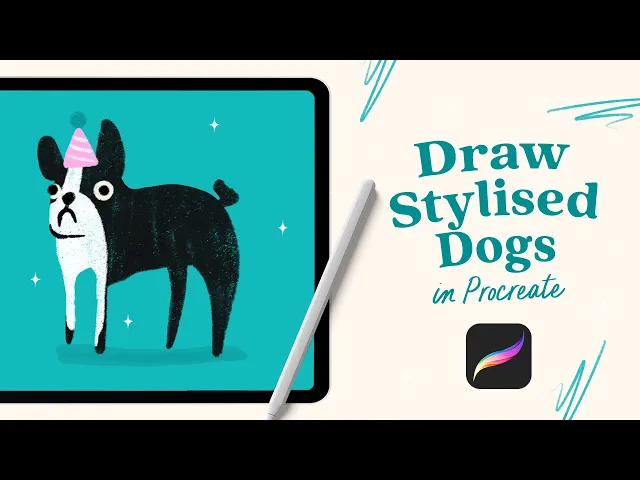
Quick answer: In this beginner-friendly Procreate tutorial, you'll learn how to draw four stylised dogs in different poses by starting with one simple silhouette, then adding details, texture and soft shadows using clipping masks.
If drawing animals feels intimidating, these little dogs are a great place to start. In this tutorial you'll draw four simple dogs in different poses (all wearing very silly hats), while practising some of Procreate's most useful tools.
At a glance
Difficulty: Beginner
Time: About 20-30 minutes to follow along
Canvas: 3500 x 3500 px, 300 DPI (square)
What you’ll need
An iPad, Apple pencil and Procreate
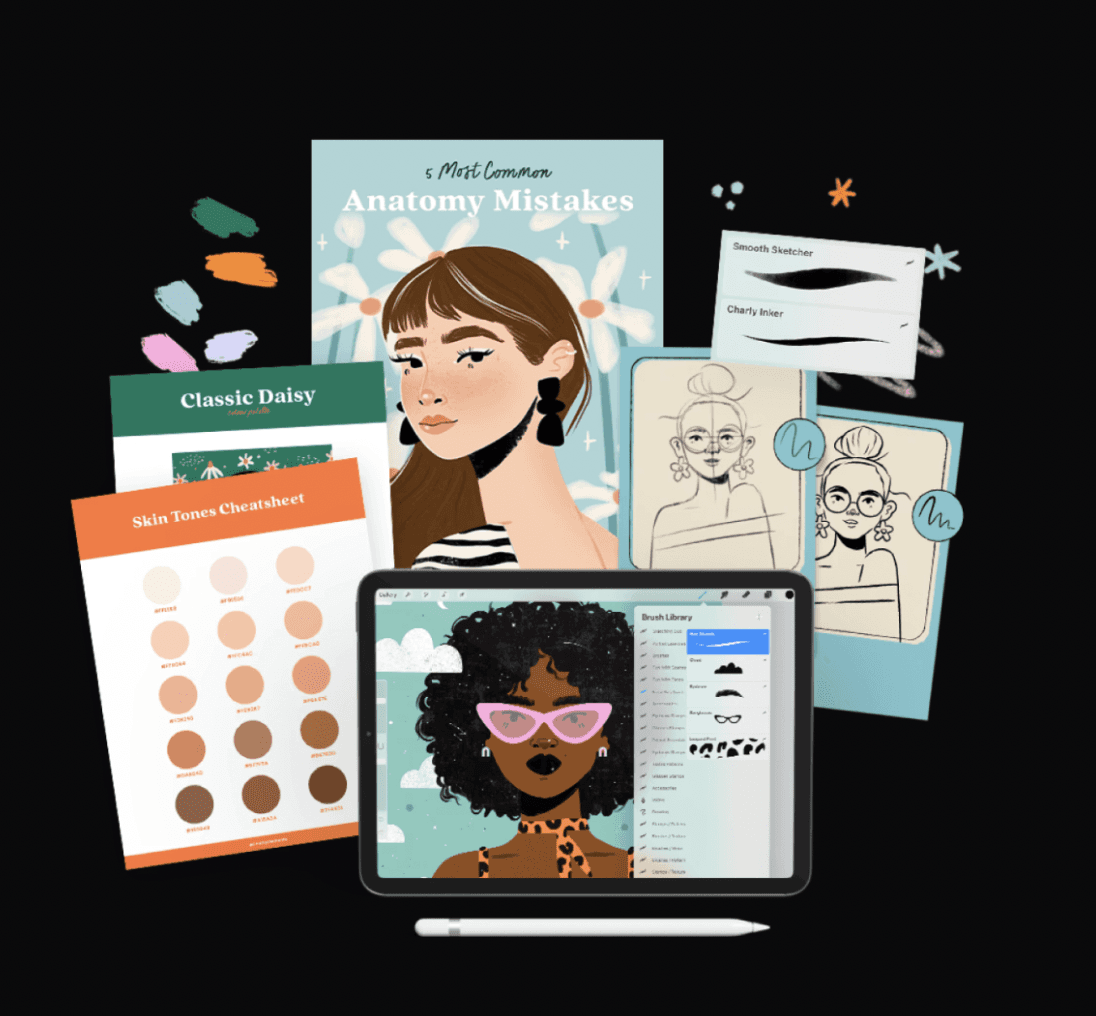
Brushes: The Charly Inker for your line work (free on my freebies page), plus a few texture brushes from my Yummy Textures pack (I use the Dry Ink, Soft Sketcher, Scratchy Texture and Retro Grain) Any textured brush works fine if you’d rather use your own.
Colour palette: Use the exact colour palette I'm using - just pause the video and take a screenshot
What you’ll practise
The tutorial, step by step
Handy if you want to jump around the video:
Set up your canvas and palette (0:00) — square canvas, background colour down first so you can see your colours working together.
Dog one: block the silhouette, then the details (0:40) — fill the whole body as one shape, then add ears, nose, eyes, fur and a little hat.
Dog two: a standing pose (6:38) - same process, a grumpy face and a birthday hat.
Dog three: a sitting pose (10:39) - a rounder shape with a cap.
Dog four: a Dalmatian (14:20) - long thin legs, spots, and pink boots (because why not?)
Finishing touches (17:51) - a soft shadow under each dog for depth, then a quick all-over texture layer set to Soft Light (18:29).
My biggest tip
Don't worry about getting the outline perfect.
Instead, block the whole dog in as one simple shape first, then add the ears, face, fur and accessories on layers above. It's quicker, easier, and those slightly wobbly lines are often what give your illustrations the most character.
And if you only steal one trick from this tutorial, make it this: add a new layer, go to blending modes and select Soft Light. Brush over it with a grainy texture, and your illustration instantly feels more tactile and hand-painted.
Try it yourself
Free: Charly Inker from my freebies page
Optional: My Yummy Textures pack for the exact textured look
Want more? My Procreate Skills Megabundle is packed with beginner-friendly classes to build your confidence.
Give it a go, and tag me on Instagram @charlyclements so I can see your adorable creations!
FAQ
What brushes do I need to draw these dogs?
You only really need two brushes: An inking brush for the line work (I use the free Charly Inker) and any textured brush for the fur and grain. I use brushes from my Yummy Textures pack, but Procreate’s default textured brushes work great too!
What canvas size does Charly use?
A square canvas, 3500 x 3500 pixels at 300 DPI. It gives you plenty of room to work while still leaving a generous number of layers.
Is this tutorial OK for a total beginner?
Yes. You build each dog from simple shapes, and you can pause the video whenever you need to. If you can draw a rough oval, you can absolutely draw these 💕
How do I get that textured, retro look?
Two ways in the video: add texture inside each shape with a clipping mask, or add a new layer over the whole illustration, go to blending mode and select Soft Light, with a black, brush a grainy texture across everything.